
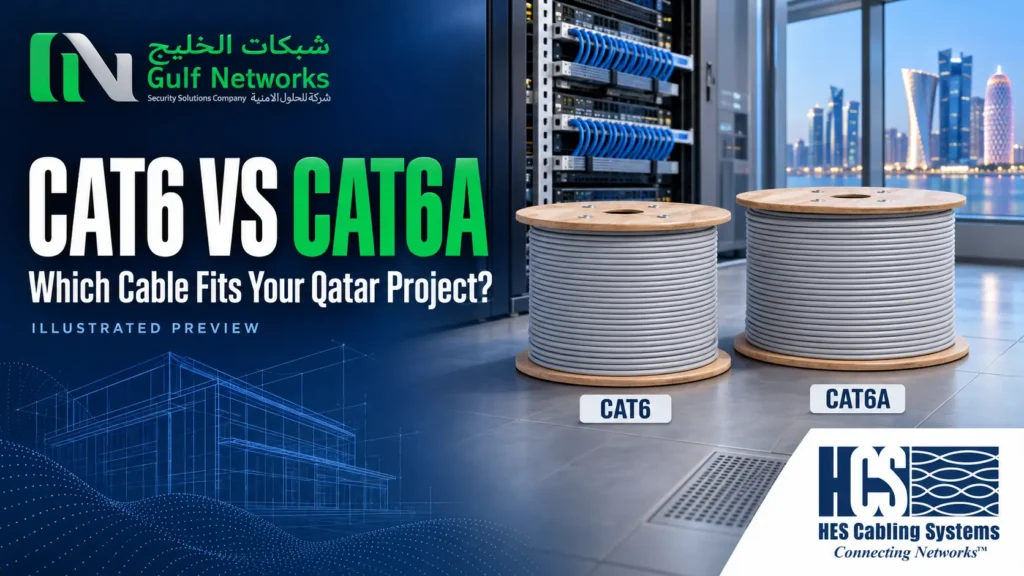
Choosing between Cat6 and Cat6A for a project in Qatar? Specify Cat6 for standard gigabit outlets where it meets the project requirements. Specify Cat6A for copper links that need 10 Gigabit Ethernet up to 100 metres. Mark those links on the floor plan before requesting prices so every contractor quotes the same scope.
| Decision | Cat6 | Cat6A |
|---|---|---|
| 1 Gigabit Ethernet | Up to 100 m on a compliant channel | Up to 100 m on a compliant channel |
| 10 Gigabit Ethernet | May work on shorter runs under suitable conditions | Designed for 10GBASE-T up to 100 m |
| Typical project use | Desks, cameras and other gigabit endpoints | Specified 10 GbE outlets and selected high-capacity access points |
| Installation | Check route and component sizes | Check cable diameter, bend radius and tray fill for the selected model |
A standard 100 m channel typically allows 90 m for the permanent link and 10 m total for patch cords. Measure the installed route through trays, risers and drops. For the 10 GbE design limits, see Fluke Networks’ guide to twisted-pair cabling.
For a Doha office with 24 gigabit desks and four ceiling access points, quote the desks and access points separately. Cat6 can cover the desks if the specification permits it. Check the access-point uplink speed and PoE requirement before choosing the cable for the ceiling drops. Specify Cat6A where a 10 GbE copper uplink is required, especially where revisiting the ceiling would be costly.
Start with the camera or controller’s Ethernet and power requirements. A typical gigabit camera drop can use Cat6 if the project specification allows it. For outdoor gates and camera poles, confirm the route, cable jacket and environmental exposure. Coordinate the data and power plans with your CCTV installation or villa automation team before the pathways are closed.
If a proposed warehouse route exceeds the copper channel limit, compare a fibre backbone to a local switch with a design that places a cabinet closer to the endpoints. A fibre backbone needs local power for the switch or equipment at the far end. Plan that supply before installation, particularly where the switch will power cameras over Ethernet.
Suppose the route from the communications cabinet to an outdoor camera is 78 m. Add a 3 m patch lead at the rack and 2 m at the camera and the planned channel is 83 m. That leaves 17 m against a 100 m channel limit, provided the permanent link, patch cords and installed components meet the applicable design limits. Now check the actual tray and conduit route. A drawing can miss the distance up a riser or the detour around a service corridor.
If a revised route needs 94 m of permanent cable, raising the category to Cat6A does not bring that permanent link within the usual 90 m design limit. Review cabinet placement or a fibre feed to a closer powered switch. Also check the camera’s maximum draw, the switch’s per-port rating and its total PoE budget when all devices are operating.
Cat6A is available in shielded and unshielded designs. If the specification calls for shielding, confirm how the jacks, patch panels and bonding will be handled across the channel. If the cable passes outdoors or into a wet pathway, check the jacket and installation rating on the proposed datasheet. For ceiling and riser routes, follow the project’s specified jacket and pathway requirements.
On a retrofit, ask the installer to compare the outside diameter and bend radius of the actual cable models. Reusing a crowded tray or a shallow outlet box may change labour and materials. On a new build, set aside space for extra drops while the ceiling is open, and mark which outlets need capacity for later upgrades.
Ask for a permanent-link certification result for every installed copper outlet against the specified category. Each result should show the outlet ID, test limit and pass or fail result. Match the IDs to the patch panel and as-built drawings, then have the installer retest and document any repaired links before sign-off. For powered devices, also confirm they start and operate on the intended switch ports.
Check the installed run and have it assessed for 10GBASE-T. Shorter Cat6 links may work, depending on the installation and interference between adjacent cables. Where the project requires 10 GbE across the full copper channel length, specify Cat6A.
The camera’s speed and power requirements, switch budget, cable construction and installation conditions determine what you need. Confirm the PoE class per device and the total demand on the switch, especially for outdoor cameras with heaters or lighting.
Yes. Assign a category to each outlet in the port schedule and keep the components and test limit aligned with that category. A Cat6A cable alone does not make the finished link Cat6A.
Link speed is limited by what the devices at each end support and negotiate. If both ports are gigabit, replacing the cable alone leaves the link at gigabit. Choose Cat6A when the new cabling should support a planned 10 GbE upgrade.
Share your floor plan, outlet count, equipment list and target handover date with Gulf Networks. Review the GNSS structured cabling systems page for the project scope, or request a structured cabling quote for your site.
DISCUSS YOUR PROJECT
Send GNSS your floor plan, outlet schedule and target network speeds so we can review the cabling scope before installation.
Sign up today for hints, tips & the latest product news
