


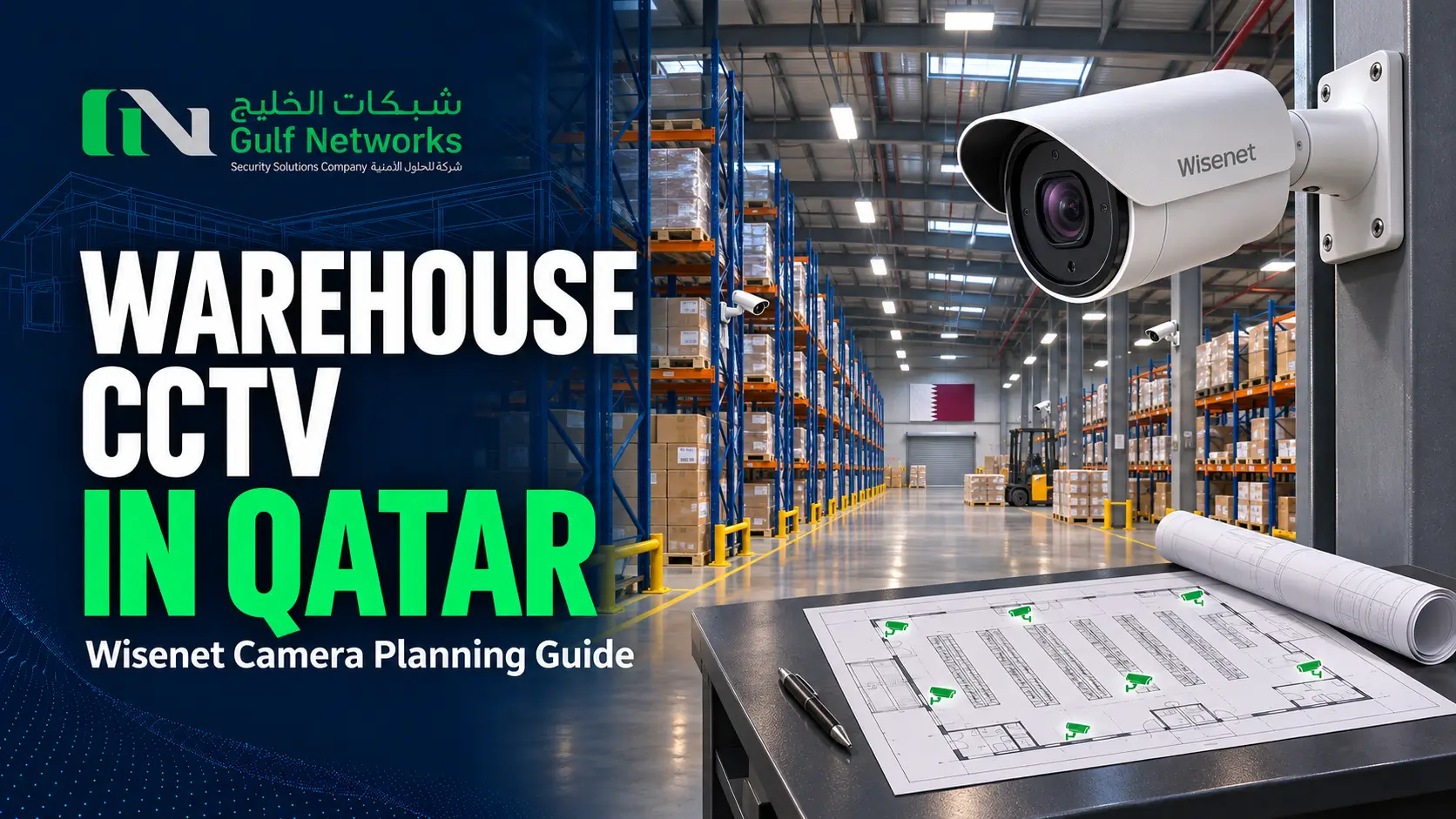
Planning warehouse CCTV in Qatar starts with the footage your team needs to retrieve. A loading-bay overview helps explain a vehicle movement. A closer entrance view may be needed to identify who entered. Write down that purpose for each view before deciding on camera count, resolution or a Wisenet series.
For a new warehouse or an upgrade, prepare a floor plan with rack heights, loading doors, office entrances and outdoor areas marked. Then work through the lighting, network and recording requirements with your installer. This guide shows what to include in a site survey and a comparable quotation.
| Area | Footage required | Check during the survey |
|---|---|---|
| Loading bay | Vehicle and staff movement at the dock | Backlighting from open shutters, reversing vehicles and obstructions |
| Storage aisles | Movement along the aisle and access to stock | Rack height, narrow views and pallet positions |
| Staff entrance | A clear view of each person entering | Target distance, camera height, faces and changing light |
| Yard and perimeter | Activity at gates and external boundaries | Night lighting, distance, mounting, exposure and network routes |
| Packing or dispatch | Review of an agreed handling process | Required detail, equipment blocking the scene and recording frame rate |
Use the GNSS Hanwha Vision camera portfolio to shortlist suitable Wisenet options. For every proposed camera, request the exact part number and datasheet, the intended lens setting and a sample image at the planned target distance. Confirm the analytics and recorder features against that model and the chosen firmware.
The Wisenet X Series is one range to review for warehouse projects with demanding image and event requirements. Hanwha’s November 2026 X Plus announcement includes the XNV-A9085RZ and XNV-A9095RZ 8MP models. A remotely adjustable PTRZ mechanism can help with camera setup. It does not provide the same operational coverage as a continuously operated PTZ camera. Check the model’s lens range and the scene before proposing it for a specific loading bay.
For details of that launch, consult Hanwha Vision’s official X Plus product announcement. Local availability, recorder compatibility and the project’s approval requirements need confirmation before equipment is ordered.
A camera that looks clear with a closed shutter may struggle when bright outdoor light fills the opening. During the survey, check the view when the shutter is open and a person is walking into the darker building. Ask for a sample at the intended exposure and frame-rate settings. Include moving people in the test so motion blur is visible.
For after-hours work, review actual night conditions. Lighting that switches off when the last member of staff leaves changes the camera’s available light. For suitable Q Series models, our IR and white-light guide explains the questions to ask before selecting an illumination mode. Check glare from reflective surfaces, dust near the lens and nearby lights that point into the camera.
Consider a warehouse with two loading bays, six storage aisles, one staff entrance and an outdoor gate. Begin the drawing with a separate camera task for each bay and each aisle. Add the entrance and gate tasks, then walk the routes to identify where one camera’s view is blocked by a rack, vehicle or open door.
The resulting drawing is a starting point for a survey. For instance, a bay overview may show which vehicle arrived but provide too little detail for the handling task at the far end. The site may need an additional closer view. Agree that requirement before comparing quotes, and have each contractor mark its proposed camera positions and target areas on the same plan.
When comparing total installed costs, include mounting access, containment, cabling, switches and commissioning. Our CCTV camera price guide for Qatar covers the main items that change a project quote.
Confirm the number of channels, incoming recording bandwidth, playback needs and the drive capacity supported by the exact NVR. Ask how many operators need simultaneous playback or exports. A recorder with enough camera channels can still require closer assessment of decoding or network capacity for the intended workflow.
As a planning example, 16 cameras averaging 2 Mbps each generate about 345.6 GB per day. Thirty days of continuous recording is about 10.37 TB before recorder overhead or any reserve. Actual footage size changes with the scene, codec, frame rate and recording settings. Thirty days here is an example for arithmetic. The retention target must come from the applicable site requirements.
Use the CCTV storage calculator with the proposed recording settings, then check the storage design with your installer. For drive selection, review Seagate surveillance and enterprise storage options against the recorder or server’s compatibility list.
Measure the route through trays, risers and drops to each camera. For long yard runs, discuss a fibre connection to a closer network cabinet and the power supply needed there. Include the switch’s total PoE budget and the camera’s maximum demand in the design. Ask who supplies the UPS and which parts of the recording and network system it will support.
Before closing ceilings or installing high racks, agree how the cameras will be reached for cleaning and repair. The Cat6 vs Cat6A project guide includes an example for checking copper cable lengths.
Review applicable MOI-SSD documentation and approval requirements with the contractor before finalizing the design. Our MOI-approved CCTV companies guide explains contractor and system checks. For continuing service, use the CCTV AMC checklist to define the maintenance scope.
Start with the views required at bays, aisles, entrances and external areas. Rack layout, distance and obstructions determine how many camera positions are needed. Request a marked-up plan so you can compare coverage between quotes.
Choose the resolution and lens for the detail needed at the target distance, then assess lighting, motion and storage. Ask the installer to demonstrate the proposed view rather than using resolution as the only selection criterion.
Check its exact model, supported cameras and firmware, channel count, bandwidth and drive support. Test recording, event features and playback with the proposed camera before approving a larger rollout.
Send Gulf Networks your floor plan, rack heights, loading-bay details and any existing camera or NVR models. Explain which incidents your team needs to review and how the site operates after dark. Request a warehouse CCTV quote or review our CCTV installation services in Qatar.
DISCUSS YOUR PROJECT
Share your floor plan, loading-bay layout and existing recorder details so GNSS can review the camera and recording scope.
Sign up today for hints, tips & the latest product news
