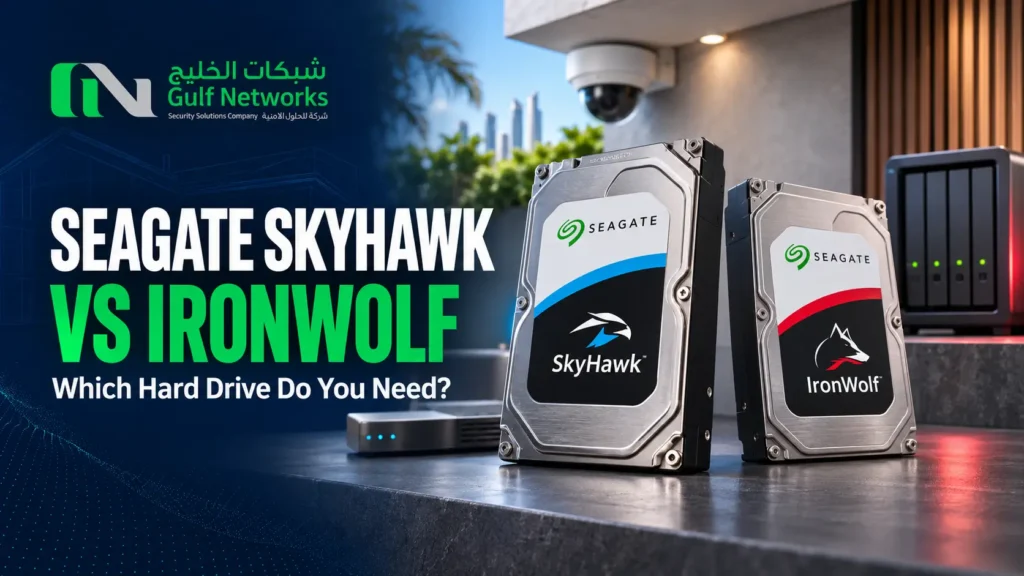
Seagate SkyHawk vs IronWolf: Which Hard Drive Do You Need in Qatar?
Choose Seagate SkyHawk when your main job is recording surveillance footage to a compatible NVR or DVR. Choose Seagate IronWolf when your main job is shared file storage on a compatible NAS. If you’re replacing a failed disk, take a photo of the drive label and note the recorder or NAS model. Two drives with the same advertised capacity can have different part numbers.
SkyHawk vs IronWolf at a glance
Use case
Drive family to check
What to verify
Continuous CCTV recording
SkyHawk
Recorder compatibility, maximum capacity per bay and retention target
Shared office files or NAS backups
IronWolf
NAS compatibility list, bay count and usable capacity after RAID
Replacing one drive in an existing array
Check the equipment documentation first
Interface, supported part number, capacity and replacement procedure
When to choose SkyHawk for CCTV
SkyHawk is Seagate’s surveillance drive family. If the drive is going into a CCTV recorder, identify the NVR or DVR model and firmware, check its supported drives and work out how many days of footage you need. Camera count and average recording bitrate determine how quickly the storage fills. Seagate SkyHawk specifications
When to choose IronWolf for NAS storage
IronWolf is designed for network-attached storage. For shared files or backups, check the NAS vendor’s compatibility list for the exact drive part number. If you plan to use RAID, estimate how much space the array will make available after redundancy and keep a separate backup for important files. Seagate IronWolf specifications
Is 4 TB or 8 TB enough?
For CCTV, calculate how much footage your cameras generate over the required retention period, then allow for recorder overhead. For a NAS, add up current data, expected growth and the space needed for snapshots or retained versions. For example, eight cameras averaging 2 Mbps each can produce about 5.18 TB in 30 days of continuous recording. A 4 TB drive falls short in that scenario. Check the recorder’s supported capacity and allow for overhead before settling on an 8 TB model.
Use our CCTV storage calculator to estimate footage capacity for your camera count, bitrate and recording period.
What to include in a Seagate quote request
Send your recorder or NAS model, required capacity and quantity. For CCTV, include the number of cameras and retention target. If you’re replacing a failed drive, include the existing part number and whether the device uses a RAID array. Browse Seagate hard drive options in Qatar or request a quote.